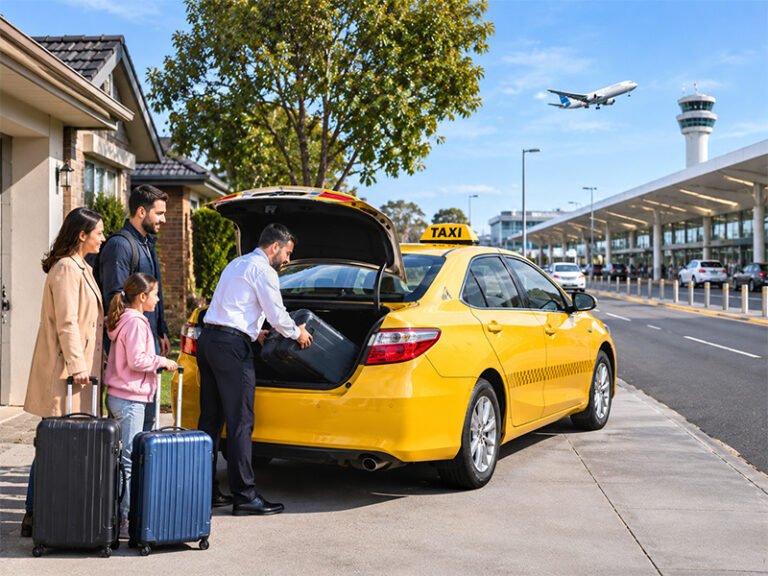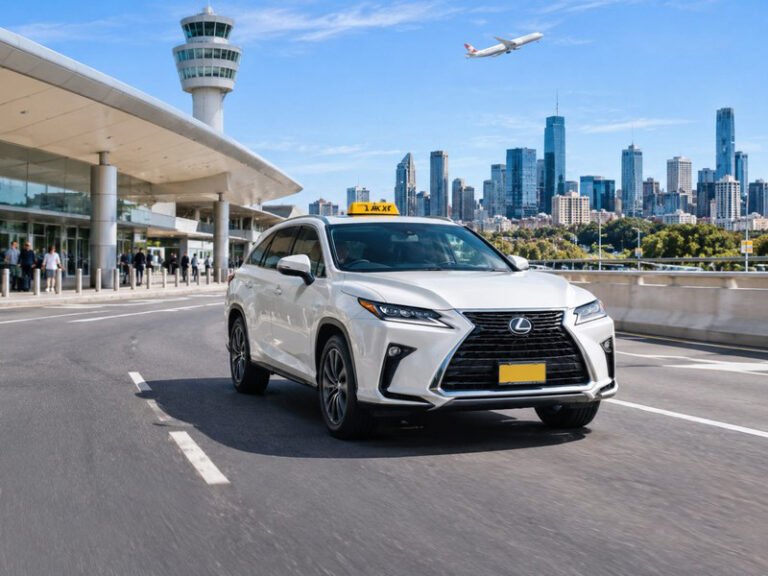

You can book taxi online in Melbourne in just a few minutes. All you need is your pickup details, a date and a time. This guide walks you through each step, so you can book with confidence. It also covers what to enter, how to choose a vehicle and what to do if your plans change.
Why Book Taxi Online Instead of Calling?
Online booking is quick, and it works at any hour. You can fill in the form from your phone while you wait for a train, or from your laptop at work. Because you type your details yourself, there is less chance of a mix-up with an address or a time.
It also gives you a clear record of what you asked for. That means you can double-check your pickup time before the day. In addition, you do not need to wait on hold when phone lines are busy.
However, online booking is not right for every trip. If you have a last-minute change or a complex request, a phone call can be faster. We cover that later in this guide.
What You Need Before You Book
A little preparation makes the form quicker. Before you start, gather the following:
- Your name, mobile number and email address
- The full pickup address, including the suburb
- The drop-off address, such as an airport terminal, hotel or office
- The date and time you want to leave
- The number of passengers and the amount of luggage
- How you plan to pay
If you are travelling to Melbourne Airport, check your flight time first. Then work backwards to choose a pickup time that leaves a comfortable buffer. Our guide to prebooking a taxi to or from Melbourne Airport explains how to plan that timing.
Step-by-Step: How to Book Taxi Online With Us
Our online booking page asks for a few simple details. Here is how it works.
- Enter your contact details. Add your name, phone number and email so we can reach you.
- Select your vehicle. Choose from the options in the form, such as a standard taxi, premium taxi, station wagon or van taxi.
- Pick your date and time. Choose the day and the pickup time that suit your plans.
- Add your locations. Type in your pickup location and your drop-off location.
- Set the passenger count. Tell us how many people are travelling.
- Choose a payment mode. Options include card, Cabcharge, cash or other.
- Add a message if needed. Mention luggage, mobility needs or anything else that helps.
- Submit the form. Our team reviews your request and confirms the booking with you.
After you submit, keep your phone nearby. We may contact you to confirm details or answer a question.
Choosing the Right Vehicle for Your Trip
The best vehicle depends on your group and your bags. Take a quick look at the options below.
- Standard taxi: Suits everyday trips for one or a few passengers.
- Premium taxi: Adds comfort and style, so it works well for airport transfers and business trips.
- SUV, station wagon or van: Gives extra space for families, groups and large luggage.
You can see the full range on our taxi fleet page. If you are unsure, add a note in the message box and we will help you choose. Larger or premium vehicles may cost more than a standard taxi, so check the details when you confirm.
Tips to Book Taxi Online Without Mistakes
- Check every address. Include the suburb and any unit or gate number.
- Double-check the date and time. Many missed rides come from a wrong date or an AM and PM mix-up.
- Add flight details for airport trips. Your flight time helps us plan around it.
- Mention special needs early. If you need wheelchair access, tell us before you book. Availability can vary, and we will confirm what we can arrange. Our NDIS and accessible travel page explains more.
- Use a licensed service. Victorian passengers have rights when they catch a taxi, including that the driver must turn on the meter. You can read about them on the Safe Transport Victoria Ride Smart, Ride Safe page.
When to Call Instead of Booking Online
Sometimes a call is the better choice. For example, call if your trip starts within the next hour, or if your plans are complicated. A phone call also helps if you need several stops or want to discuss accessibility needs.
You can reach us on 1300 159 261, or use our contact page to send a message. If your plans change after you book, contact us as early as possible. Our cancellation and refund policy explains how changes work.
Ready to Book Taxi Online? Start Here
Booking takes only a few minutes. Visit our booking page, fill in your details and submit the form. If you need a lift to the airport, you can also learn more about our airport transfer service. For pickup and drop-off options at the terminals, see the Melbourne Airport transport page.
Frequently Asked Questions
Can I book taxi online for a later date?
Yes. Choose your pickup date and time in the form, and we will confirm your request. Booking early gives us more time to arrange the right vehicle.
Do I need an account to book?
No. You only need to fill in the booking form with your details. There is no need to create a login.
Which payment options can I choose?
The form lets you choose card, Cabcharge, cash or other. Please check the option you plan to use before you submit.
What if I need to change my booking?
Contact us as early as possible on 1300 159 261 or by email. We will update your booking, and our cancellation and refund policy explains any fees that may apply.
Can I book an NDIS or airport trip online?
Yes. Add your needs in the message box so we can plan for them. For wheelchair access, please contact us before you book so we can confirm availability.